Youtube Social profile connection
Currently, the YouTube API only allows collecting comments on your own published videos. There is no ability to collect other comments, such as those from Live streams or Shorts.
The delay in collecting first-level comments can be up to 10 minutes. For second-level comments (replies to other comments), especially on older videos, the delay can be up to several hours.
You can connect a YouTube channel for monitoring if you have owner/admin rights to the channel (this is a YouTube API limitation).
Currently, there are two types of YouTube channels: a personal channel and a brand channel linked to a Google brand account.
It is possible to connect both types of channels, but for a personal channel, it is impossible to grant appropriate rights to another user, so it can only be connected by logging into Google as the channel's primary owner.
To connect a brand channel, the following roles are suitable: Primary Owner, Owner, and Administrator. You can grant these rights to a user within the brand account.
You can read more about this inour help article.
It is possible to connect both types of channels, but for a personal channel, it is impossible to grant appropriate rights to another user, so it can only be connected by logging into Google as the channel's primary owner.
To connect a brand channel, the following roles are suitable: Primary Owner, Owner, and Administrator. You can grant these rights to a user within the brand account.
You can read more about this inour help article.
To connect a Youtube channel
Go toSettings -> Social profilesand click on the "Add Social profile" button with the requiredcompany
Click the "Add" button next to YouTube channel
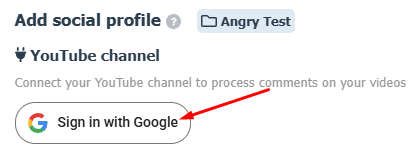
Click on the "Sign in with Google" button
If you are connecting a second Youtube social profile, click on the "Log Out" button first. Synchronization with an already connected social profile will be preserved.
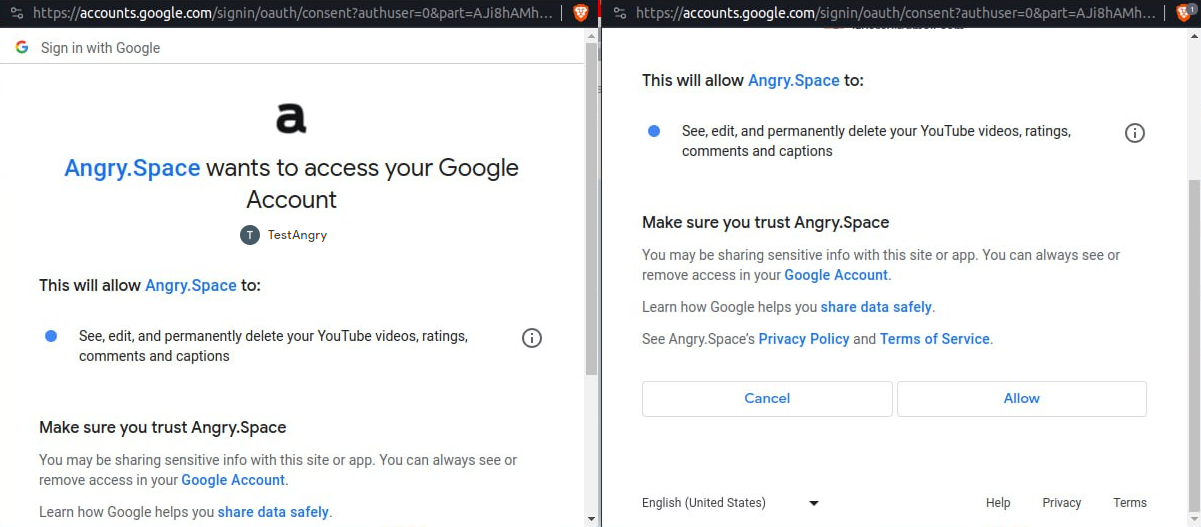
- Select the desired social profile and allow the app to access all requested permissions
- Select the channel you want to connect from the drop-down list
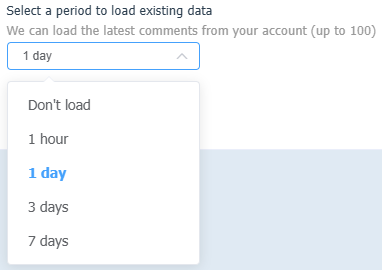
- Additionally, old comments can be uploaded to the service (but no more than 100 comments and left no more than a week ago). To do this, select the period for which you want to load the data from the drop-down list in "Select a period to load existing data" section.
- Check all configured parameters and press "Add social profille" button
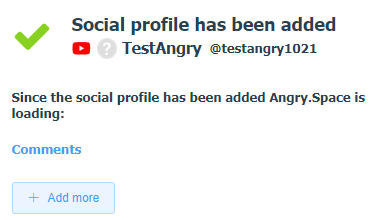
The social profile is now connected and all new comments will go to Angry.Space.